In a bash shell, you can run shell scripts, use key combinations such as CtrlD, CtrlP etc. for fast editing of commands, and also set up aliases for commonly used commands. Create a file called .bash_profile (note the leading '.' in the filename) in the home directory, and populate it with aliases such as these:
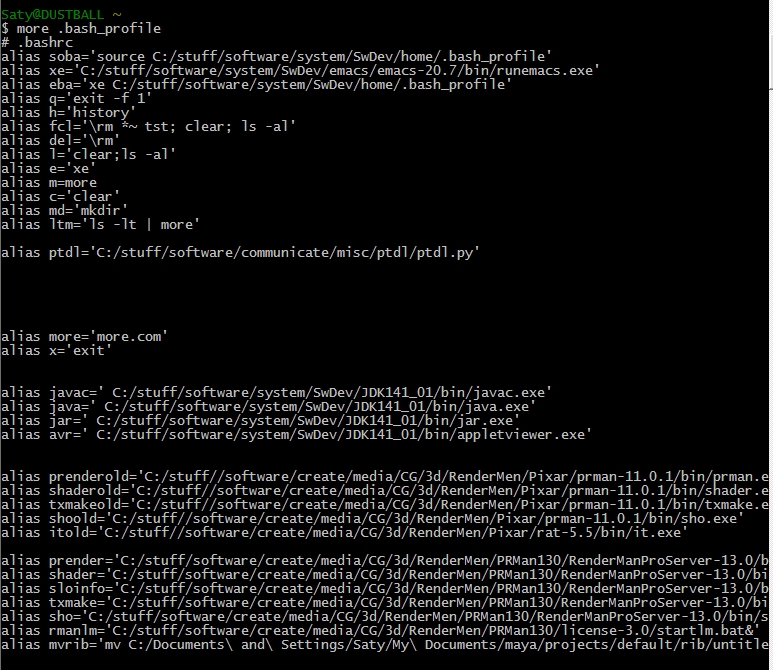
You only have to set this file up once (you'll probably keep adding aliases to it on an ongoing basis). From then on, you can simply type the aliased name instead of the longer version (eg. 'prender' below, to run prman). This saves a lot of error-prone, tedious typing.